Free Tree Identifier: Identify Trees by Photo
Wondering what tree this is? Upload clear photos for an AI-assisted identification. Free with a daily limit, no sign-up, and no app download.
Identification form
Upload tree photos
Clear, well-lit images help the AI identify it more accurately.
How to Identify a Tree from Photos
- 1
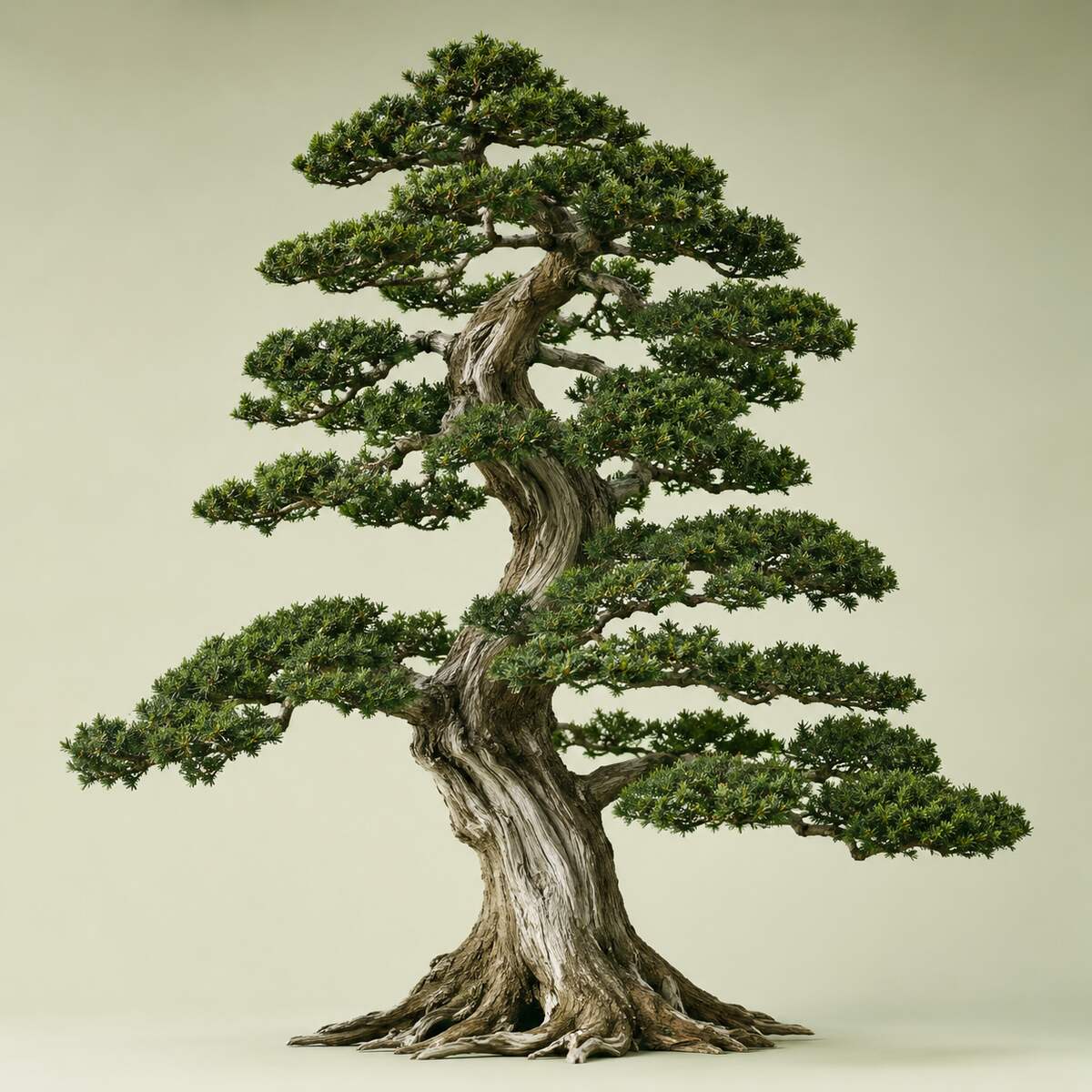
Photograph the Whole Tree
Start with a view of the trunk, branches, and crown. Use natural light, keep the camera steady, and avoid filters. Frame one tree clearly so neighboring foliage does not obscure its shape.
- 2
Show Leaves or Needles Close Up
Add sharp views of several leaves, including upper and lower surfaces and where the leaf stalk meets the twig. For a conifer, show how needles or scales attach. Include a ruler for scale where practical, without covering the details.
- 3
Add Bark and Seasonal Details
Photograph a patch of bark and a wider trunk view. Include buds, flowers, fruit, seeds, or cones when present. In winter, focus on a twig tip and its side buds. Use features from the same tree and leave bark and branches intact.
- 4
Enter the Location and Your Observations
Add the town or region, country, and date. Describe the setting, approximate height, and whether the tree was planted or grows wild. Mention details that are difficult to show, such as whether it loses its leaves each year.
- 5
Identify the Tree and Check the Match
Select "Identify tree" to submit your photos and notes. Review the suggested identification against the specimen. If a feature does not fit, record the difference and use the guide below to decide what to inspect next.
Ready to identify it?
Upload one or more clear photos to get started.
Identify Trees by Leaf Structure and Needle Arrangement
Tree leaf identification starts with structure: how leaves attach, whether each leaf has one blade or several leaflets, and what its edges look like. Examine several mature leaves because size and shape can vary on the same tree.
Compare Whole Leaves and Leaflets
A simple leaf has one blade, even when that blade has deep lobes. A compound leaf has separate leaflets on a shared stalk. Look for a bud where the whole leaf stalk joins the woody twig; individual leaflets do not have a bud at their bases.
Next, check the arrangement. Opposite leaves grow in pairs across the twig; alternate leaves occur singly at successive points; whorled leaves occur in groups of three or more at one point. Compare the veins and the margin, or edge: smooth, toothed, or lobed.
Check How Needles Attach
For conifers, inspect individual needles, bundles, or overlapping scales. Eastern white pine usually has five needles per bundle, also called a fascicle. Spruce and fir needles attach individually, so a close view of the attachment helps separate these groups.
Evergreen and conifer are not interchangeable terms. Larches are conifers that shed their needles, while live oaks retain broad leaves through winter. Record both foliage type and seasonal behavior.
Identify Trees by Bark and Winter Buds
Bark and buds keep tree identification possible after leaves fall. Use them together: a trunk pattern may suggest a group, while twig details help distinguish trees within it.
Read the Bark's Texture
Look for smooth surfaces, deep furrows, scales, peeling sheets, or shaggy strips. Paper birch can show thin, papery peeling bark; shagbark hickory develops long, loose strips. These are useful clues, but bark also changes with age. A young trunk may look much smoother than an older tree of the same species.
Inspect Buds and Leaf Scars
Terminal buds sit at twig tips; lateral buds sit along the sides. Note their shape, size, color, and scale coverings, plus whether they occur opposite each other or alternate along the twig. Leaf scars mark where leaves were attached and can add another distinguishing pattern.
For winter tree identification, combine those small details with the bare crown and any remaining seed pods or cones.
Use Flowers, Fruit, and Cones to Separate Similar Trees
Reproductive structures can narrow a match when leaves look alike. Compare their shape, arrangement, and season rather than relying only on color.
For flowers, note whether they appear singly, in clusters, or as hanging catkins. Record whether flowering happens before or after leaves emerge.
For fruit and seeds, describe what you can see: acorns, nuts in husks, pods, fleshy fruit, or winged fruits called samaras. An oak's acorn shape and cup can help distinguish species; maple samaras add evidence to a leaf-based match. On conifers, compare cone length, shape, and scale structure alongside the foliage.
Check that a fallen object belongs to the tree you are identifying. A photo showing fruit or cones still attached makes that connection clearer.
Use Location and Habitat to Narrow the Possibilities
A plausible tree identification should fit both the specimen and its setting. Country, region, elevation, and habitat help narrow the possibilities, especially for wild trees.
Include whether the tree grows in woodland, an open field, a garden, or along a street. Its shape also reflects those conditions: a tree crowded by neighbors may have a narrower crown than one growing in the open.
Treat native range as supporting evidence rather than a strict boundary. Garden and street trees are often planted far from their native habitats. Mention any planting history or label you know about instead of excluding a match solely because it is not native locally.
The date helps explain seasonal features. Bare branches, swelling buds, flowers, and ripe fruit describe different stages of the same tree, so compare reference images from a similar season where possible.
Check Your Tree Identification with a Regional Key
Treat an AI identification as a candidate to verify. Check whether several independent features agree, and pay particular attention to anything that contradicts the suggested match.
A dichotomous tree identification key offers two alternatives at each step, such as simple versus compound leaves. Choose the description that fits your specimen and follow the indicated route. Use a key or field guide for your region, and check whether it covers planted trees as well as native species. If a required feature is missing, leave that step unresolved rather than guessing.
Scientific names help clarify the result. Quercus names the oak genus; Quercus alba names a particular species, white oak.
For an unresolved match, a local extension service, herbarium, or qualified arborist may help assess your observations. Keep the location, date, photos, and conflicting details together so another person can review the same evidence.
Put what you’ve learned to use
Upload your photos and compare the suggested match with the features you observed.
Frequently Asked Questions
Can I identify a tree by taking a picture?
Yes. A clear picture can provide enough clues for a likely match. Additional views of different parts of the same tree help distinguish lookalikes. Use the result as a starting point, especially when only a distant crown or one small detail is visible.
Is the tree identifier free to use?
Yes. Tree Identifier provides free AI-assisted identifications with a daily usage limit. There is no paid upgrade, and you do not need a subscription to use the free allowance.
What happens when I reach the daily limit?
You can submit more identifications once your daily allowance resets. If you reach the limit, wait until the current daily usage period ends before trying again. Use any reset timing shown in the limit message.
Do I need to create an account?
No. You can upload tree photos and use the free daily allowance without signing up.
Can I identify a tree with my phone without downloading an app?
Yes. Open this online tree identifier in your phone's browser and upload your photos. No app download is required. You need an internet connection to submit them; you can take photos outdoors and upload them later if reception is poor.
How does AI tree identification work?
The AI analyzes visible features in your photos alongside the details you provide to suggest a likely tree identity. It can use visual similarities to narrow the possibilities, but it cannot inspect hidden features or replace observations of the tree itself.
How accurate is a tree identifier from photos?
Reliability depends on image detail, the features available, and how closely related the possible matches are. No photo-based tool identifies every tree correctly. A clear specimen may support a species name; an incomplete view may support only a broader group. Verify the features before relying on the name.
Can I identify a tree from a single fallen leaf?
Sometimes, but the result may remain broad. A detached leaf can hide its arrangement on the twig, and a leaflet may be mistaken for a whole leaf. If possible, find the source tree and photograph the leaf attachment.
Can the tool identify saplings and young trees?
It can suggest a match, but young trees may lack mature bark, flowers, fruit, or a recognizable crown. If those features are still inconclusive, revisit the tree as it grows rather than treating an early suggestion as confirmed.
Can it identify a fruit tree or its exact variety?
Photos may help identify the fruit-tree group or species. Naming an exact cultivar is harder because varieties can share very similar leaves and fruit. A nursery label or planting record may be needed to confirm the variety. A suggested name does not establish that fruit is safe to eat.
Can I identify a tree without flowers or fruit?
Yes, many trees have useful foliage, bark, or bud features even when flowers and fruit are absent. For a difficult pair of lookalikes, you may need to return when a missing feature develops.
What should I do if the suggested tree does not match?
Keep the identification open. Note exactly which trait conflicts, check that every photo shows the same tree, and capture the missing detail before submitting again. If the evidence still disagrees, use a regional identification key or ask a local expert rather than choosing the closest-looking name.
Ready to give it a try?
Upload your photos for an AI-assisted best match.